
How should you choose Linux boot media?
| Use case | Best format | What to prioritize |
|---|---|---|
| One installer / rescue image | USB flash drive | Reliable brand, correct connector, enough capacity |
| Mixed USB-A/USB-C machines | Dual-connector flash drive | Port flexibility |
| Multiple ISOs / Ventoy-style library | Large flash drive or SSD | Capacity and sustained write performance |
| VM images + ISO library | Portable SSD | Capacity, USB 3.x speed and durability |
10 current drive families to compare
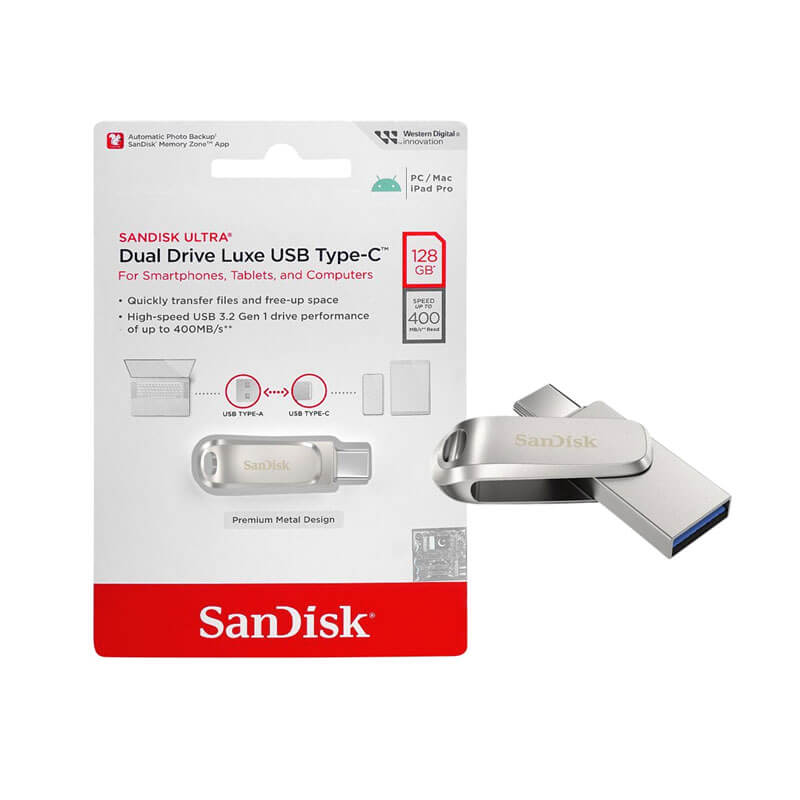
SanDisk Ultra Dual Drive Luxe USB Type-C 128GB
USB-A + USB-C flexibility makes it useful when your lab machines have mixed ports.
View on Amazon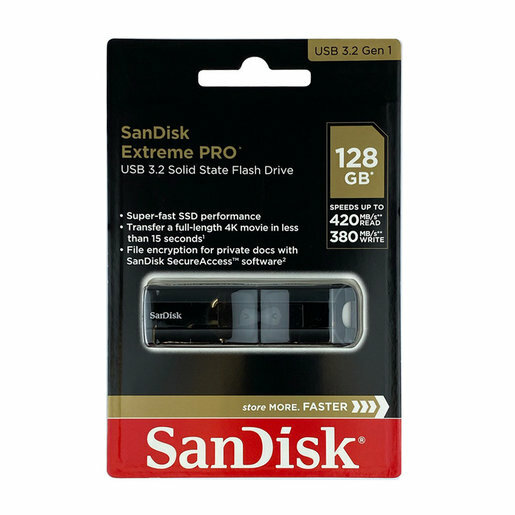
SanDisk Extreme PRO USB 3.2 Solid State Flash Drive
High-performance USB flash storage for larger images and repeated writes.
View current Amazon listing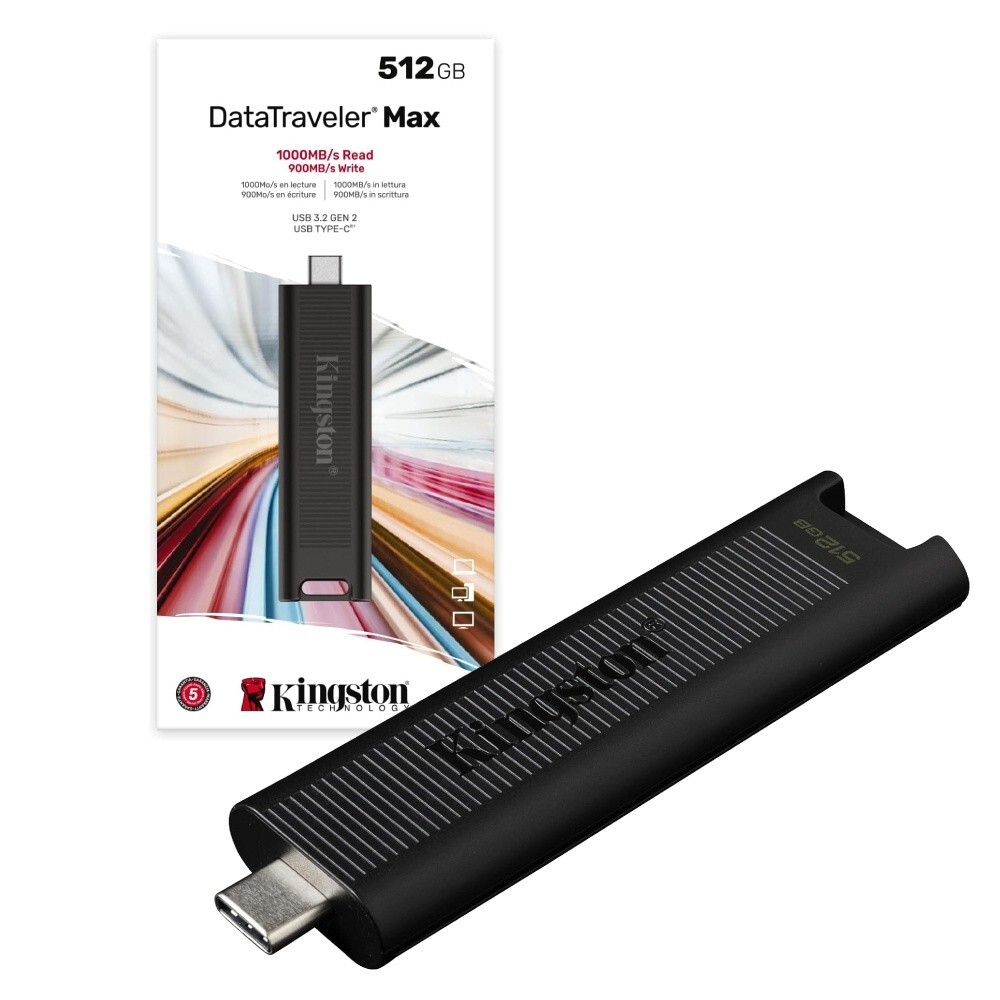
Kingston DataTraveler Max USB-C
USB-C focused flash storage for modern laptops and compact lab kits.
View current Amazon listing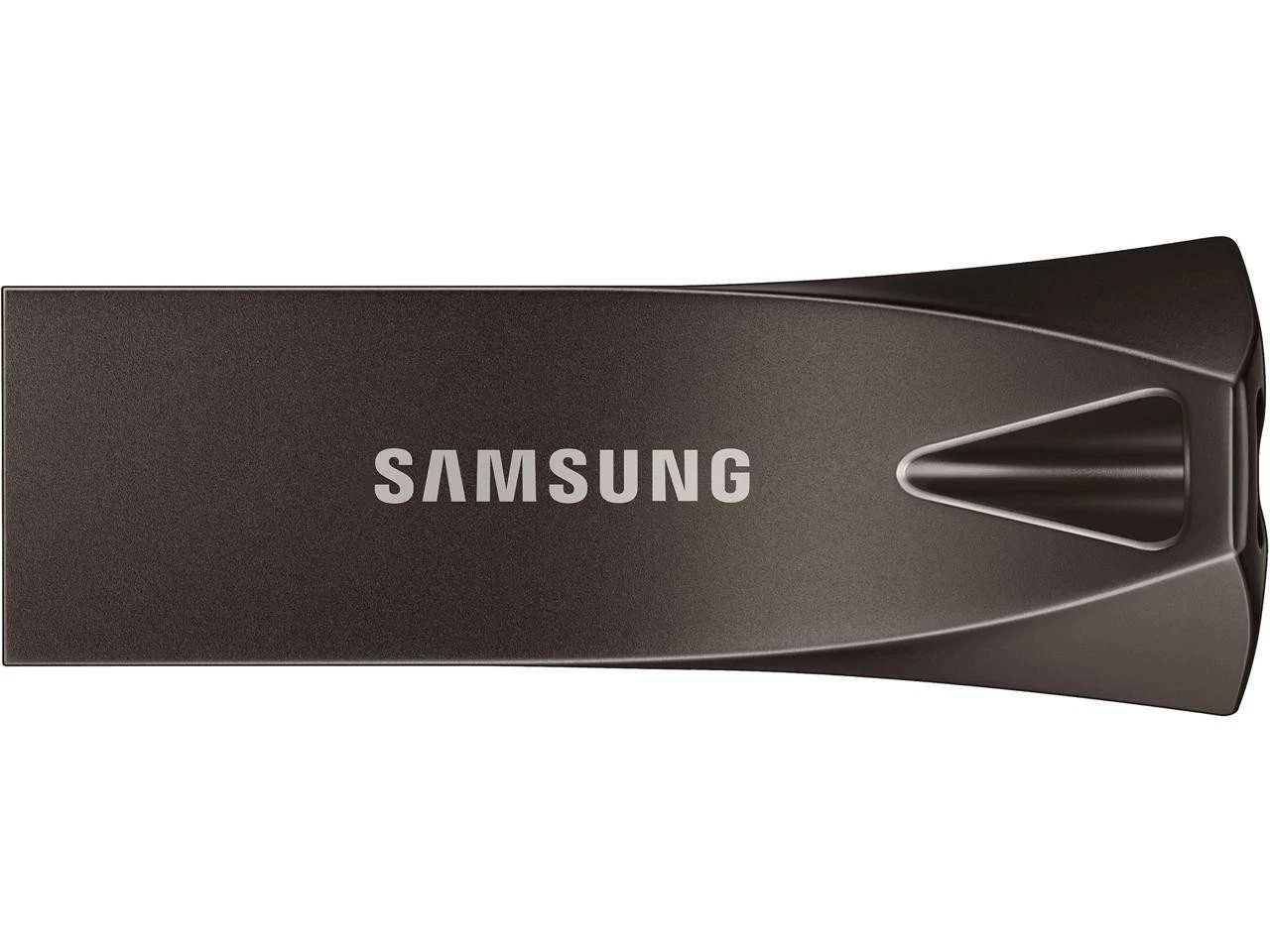
Samsung BAR Plus USB flash drive
Simple USB-A flash drive option for machines with traditional ports.
View current Amazon listing
PNY PRO Elite V2 USB 3.2 Gen 2 flash drive
Fast flash-drive family for larger installers and transfer-heavy workflows.
View current Amazon listing
Lexar JumpDrive USB-C flash drive
USB-C flash-drive family for portable installation and rescue media.
View current Amazon listing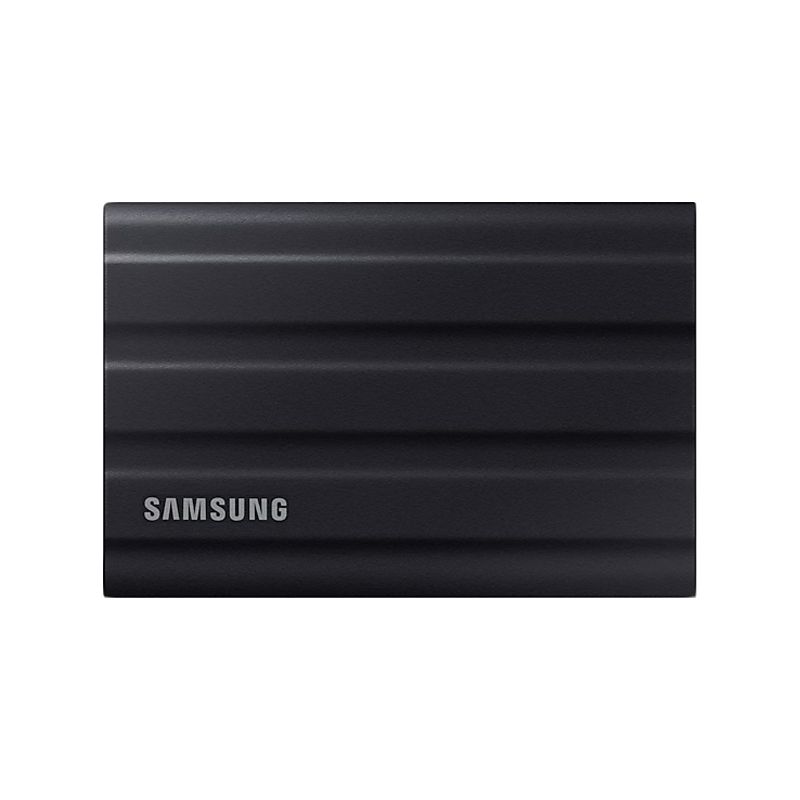
Samsung T7 Shield 1TB Portable SSD
Portable SSD option for several ISO images, VM files and recovery tools.
View on Amazon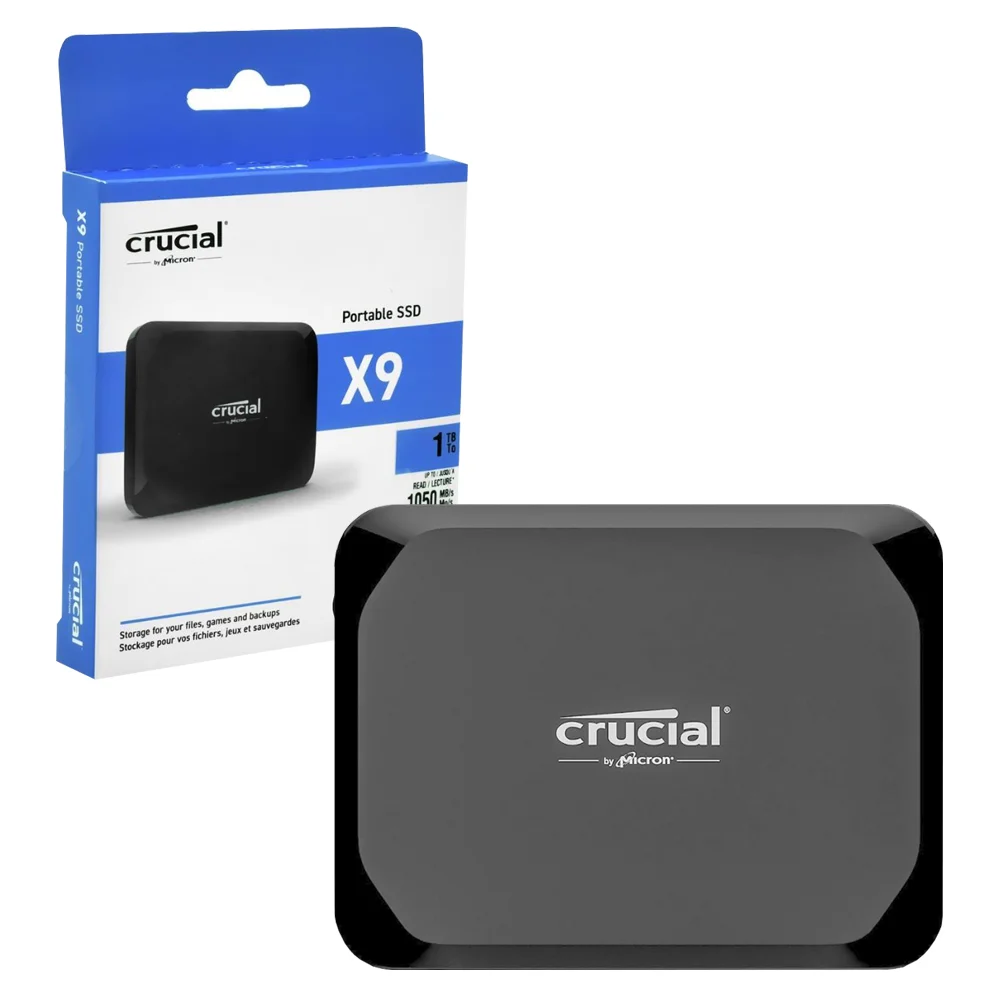
Crucial X9 1TB Portable SSD
Compact portable SSD option for a larger mobile lab library.
View on Amazon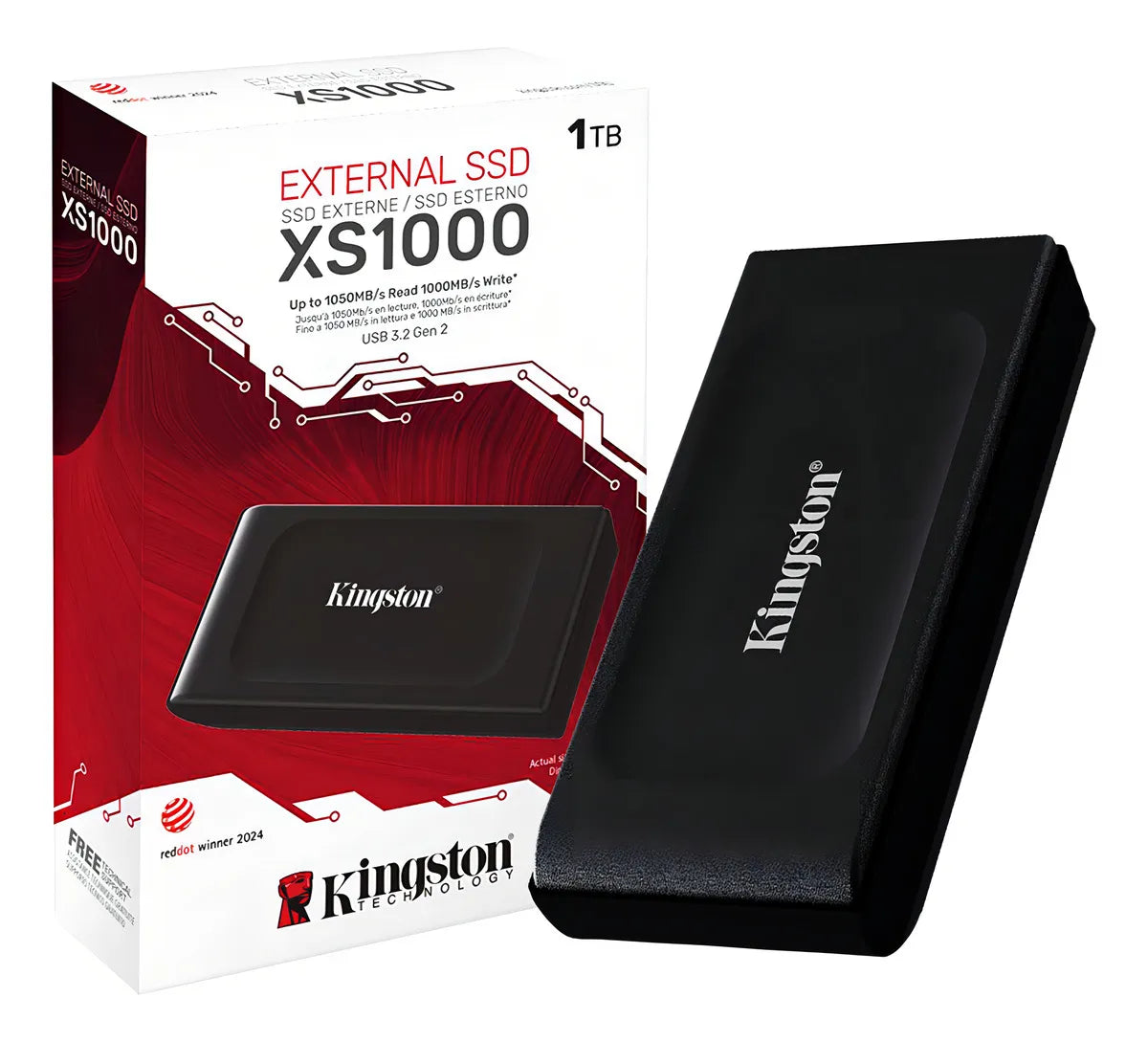
Kingston XS1000 1TB Portable SSD
Portable SSD family for VM images and ISO collections.
View current Amazon listing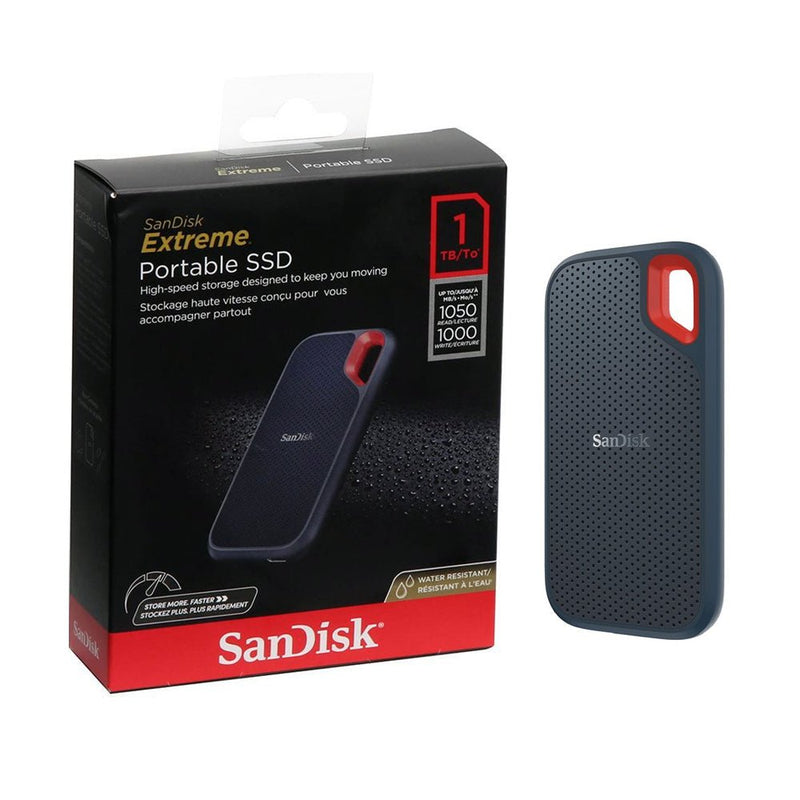
SanDisk Extreme Portable SSD 1TB
Portable SSD family for larger rescue, backup and lab workflows.
View current Amazon listingHow do you create safe Linux install media?
- Download the ISO from the distribution’s official website.
- Verify its checksum/signature when the distribution publishes one.
- Write the image with a reputable imaging tool or a multiboot workflow you understand.
- Test booting on non-critical hardware before depending on it for recovery.
What this list does not claim
USB storage is not “Linux certified” merely because it can store a Linux image. The list is about practical storage formats and current product families. Controller revisions, capacities and bundled software can change, so confirm the current Amazon/manufacturer listing before purchase.
Frequently asked questions
How large should a Linux boot USB be?
For one installer, 32GB is usually ample. Larger capacity becomes useful when you keep several images, persistence data or recovery files.
Is a portable SSD better than a flash drive?
Not for every task. SSDs are better for large ISO/VM libraries and frequent transfers; small flash drives are cheaper and simpler for a single installer.
Should you buy a preloaded Linux USB?
Prefer creating it yourself from the official image so you know the source and version.