Build the study setup your certification path actually needs
Most candidates do not need every tool below. Start with the problem that is slowing your practice down, then add only the resource that removes that bottleneck.
Learn commands and concepts
Use: one current Linux reference book.
Best when you need durable explanations beside terminal practice.
Compare Linux booksCreate install and rescue media
Use: a reliable USB flash drive.
Best for bootable installers, rescue images and disposable media.
Compare bootable drivesStore VMs, ISOs and snapshots
Use: a portable SSD.
Best when local storage is tight or you move labs between computers.
Compare storage toolsPractice networking reliably
Use: a Linux-supported Ethernet adapter when needed.
Best for network labs or laptops without wired Ethernet.
Compare networking accessoriesBuild multi-node labs
Use: VMs first, then a Raspberry Pi or second computer only if the lab benefits.
Best when a single machine cannot reproduce the topology you need.
Build a practice labWhich resource should you add first?
| If this is the problem | Start with | Upgrade only when |
|---|---|---|
| You forget commands or need deeper explanations | One current Linux reference book | The book no longer matches your certification objective or learning level |
| You need install or rescue media | A reliable USB flash drive | You need several ISOs, VM images or much larger portable storage |
| Your VM/ISO library is filling local storage | A portable SSD | You genuinely need more capacity or faster sustained transfers |
| Your laptop lacks reliable wired networking | A Linux-supported USB Ethernet adapter | A specific lab requires more interfaces or dedicated networking hardware |
| You need several independent Linux nodes | Virtual machines first | A physical Raspberry Pi or second computer adds something the VMs cannot |
Start with the right resource guide
Linux books
Compare current command-line, administration and certification-specific books.
Bootable USB & rescue media
Choose flash drives and portable SSDs by connector, capacity and use case.
Accessories & lab tools
Networking, external storage and practical adapters for certification labs.
Lab computers
Choose hardware with enough RAM/CPU for VMs and published Linux compatibility evidence where possible.
Training platforms
Understand when official issuer training, third-party courses or self-directed labs fit.
Recommended Amazon resources to compare
These are practical examples for common certification-study problems. Product recommendations are selected editorially and linked by ASIN. Product images may be replaced with Amazon-vended images if Creators API access becomes available.
Some links in this section are affiliate links, and LinuxCertifications.net may earn a commission.
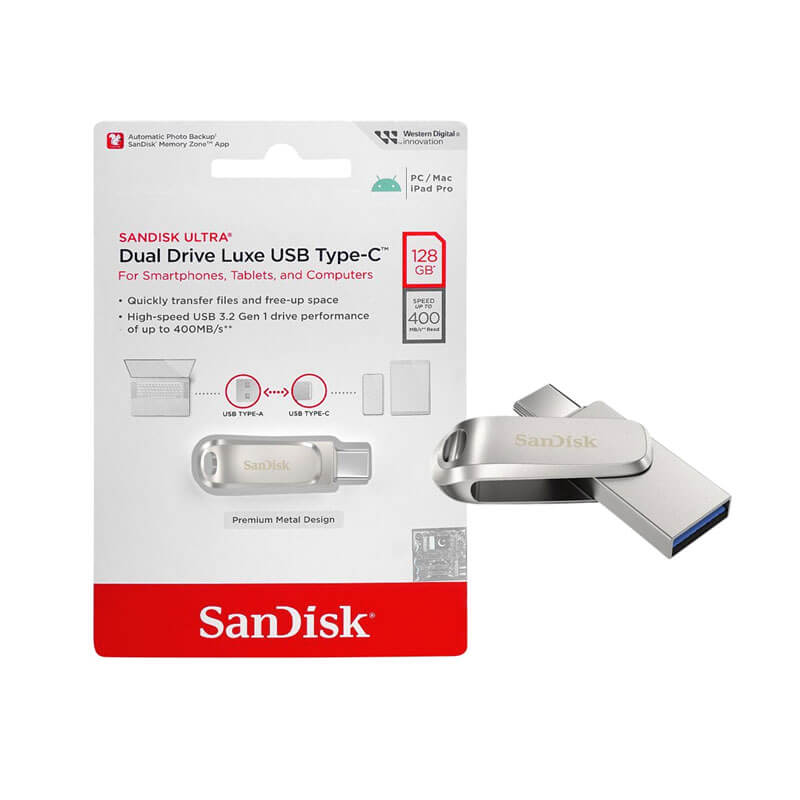
USB-A/USB-C flash drive for Linux install and rescue media
A 128GB dual-connector flash drive that works well as reusable media for Linux installers, rescue images and other disposable lab tasks. Download and verify Linux images from the distribution’s official source rather than buying preloaded media.
View on Amazon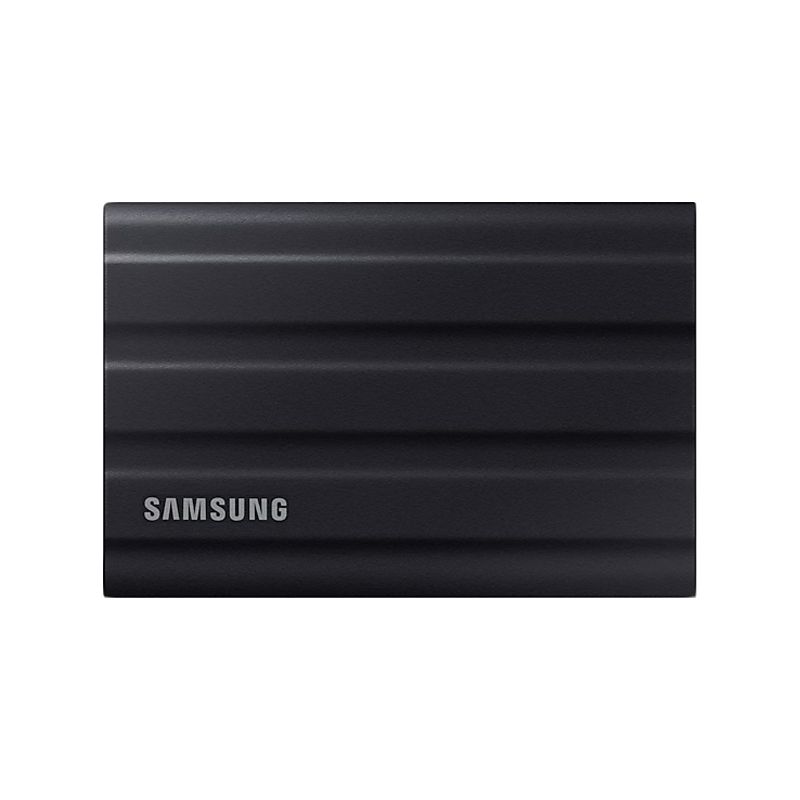
Rugged portable SSD for VM images, ISOs and snapshots
A 1TB portable SSD for moving VM images, ISO libraries, snapshots and backups between lab machines. Samsung specifies USB 3.2 Gen 2 performance up to 1,050 MB/s read and IP65 water resistance for this model.
View on Amazon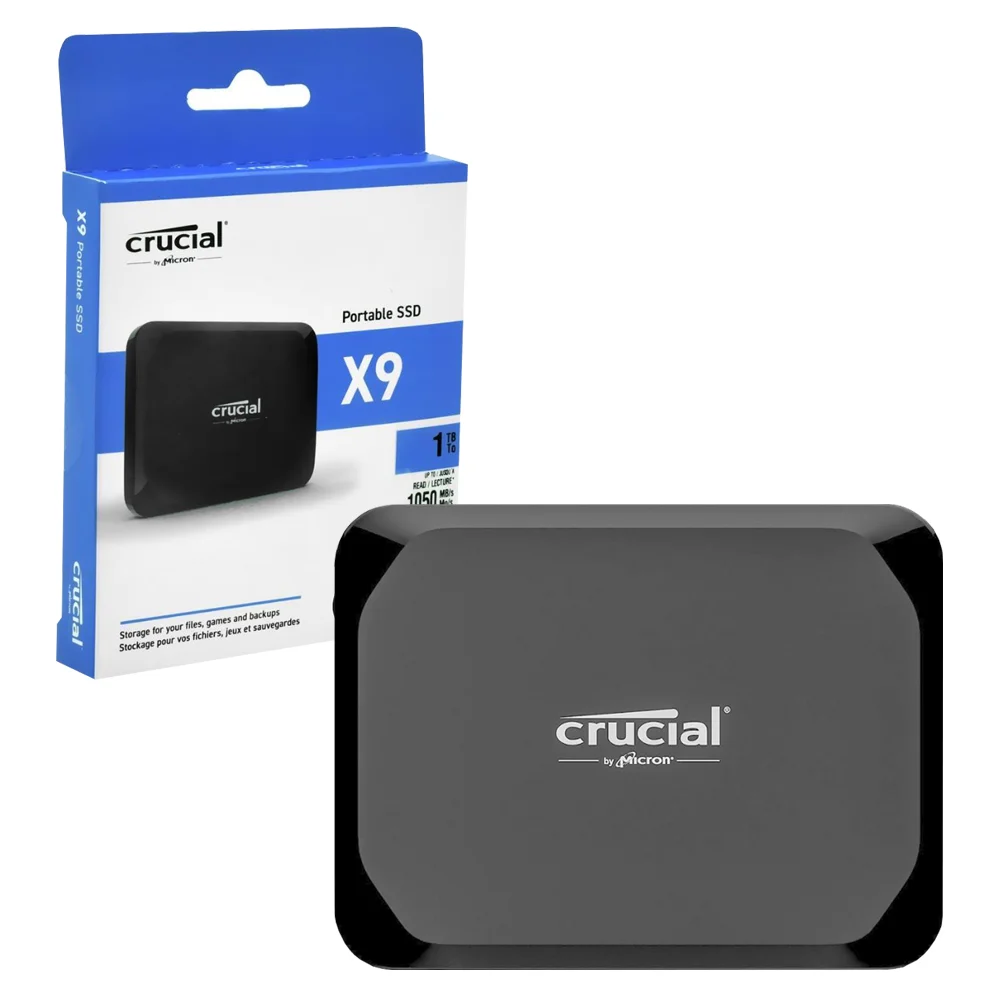
Compact portable SSD alternative for VM and ISO libraries
A compact 1TB USB-C portable SSD for VM images, ISOs, snapshots and general lab backups. Crucial rates the X9 family for read speeds up to 1,050 MB/s and broad plug-and-play device compatibility.
View on Amazon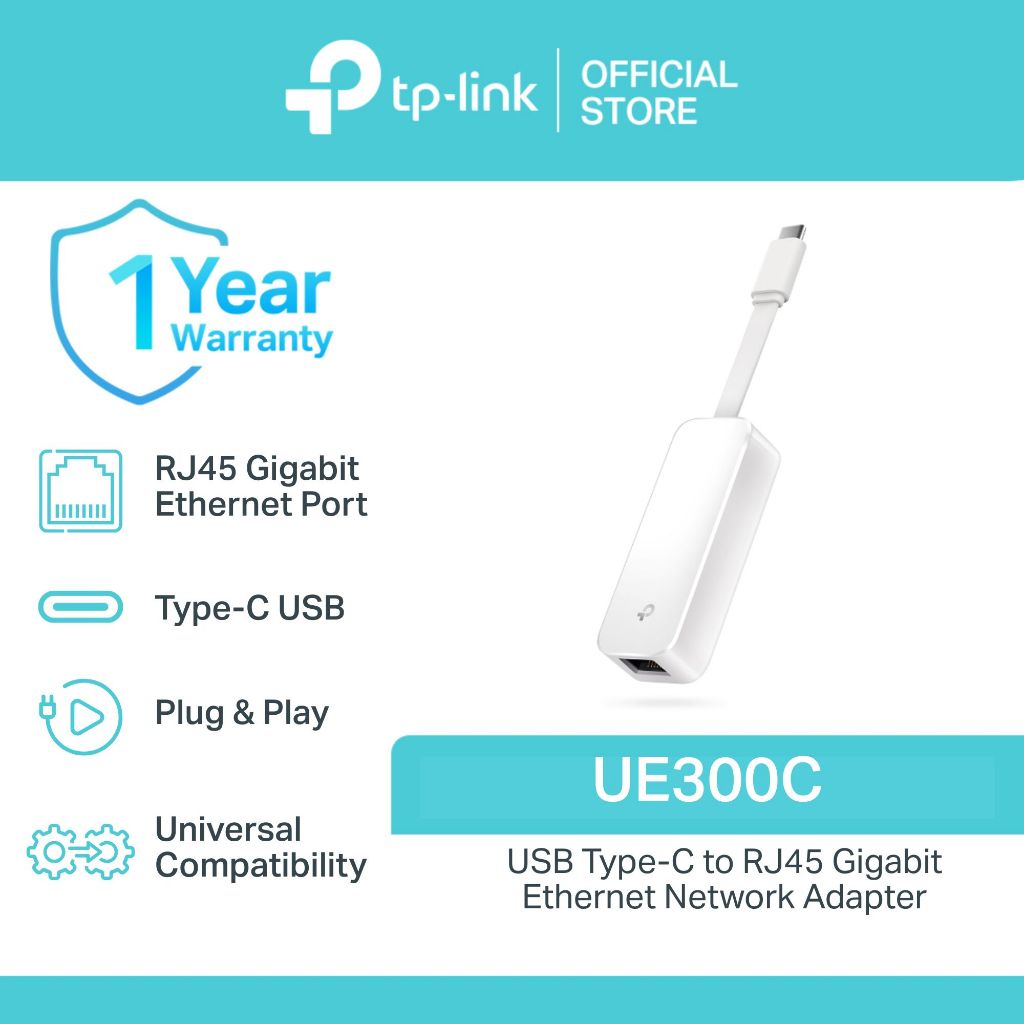
USB-C Gigabit Ethernet adapter for Linux networking labs
A USB-C to Gigabit Ethernet adapter for laptops that lack a wired port. TP-Link explicitly lists Linux/Ubuntu support, making it a stronger lab recommendation than adapters with vague compatibility claims.
View on Amazon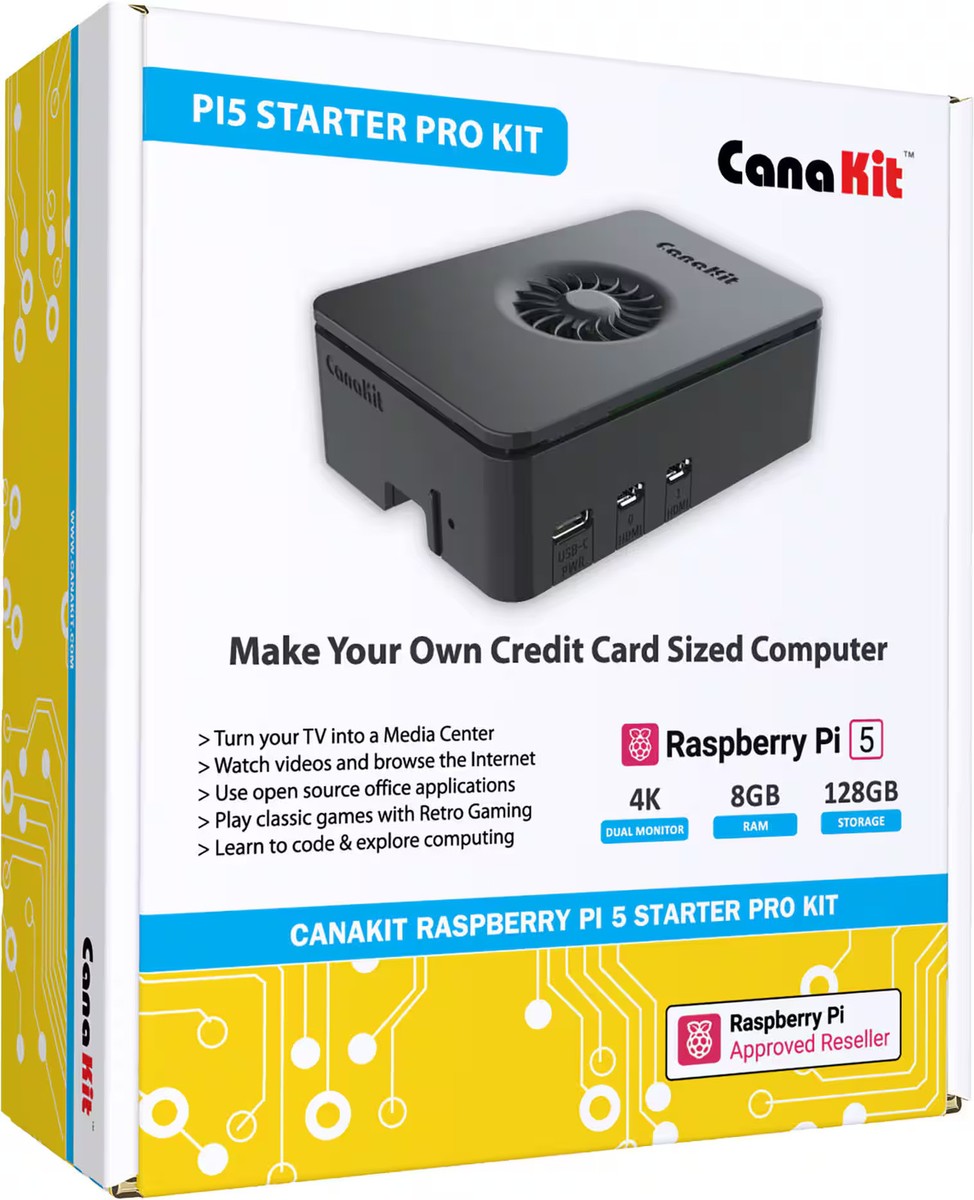
Raspberry Pi 5 8GB kit for dedicated multi-node labs
An 8GB Raspberry Pi 5 starter kit for dedicated nodes, networking experiments or multi-machine labs when virtual machines are no longer enough. It should be an optional escalation, not a default certification purchase.
View on AmazonWhat should you avoid buying?
- Hardware sold as “Linux compatible” without identifying what distribution/kernel/hardware revision was actually supported
- Old certification books presented as current exam prep after the exam version changed
- Large home-lab purchases before you have exhausted free VMs or cloud sandboxes
- Preloaded boot media when you can securely download and verify the official distribution image yourself
Frequently asked questions
Do you need special hardware for Linux certification?
Usually not. A VM-capable computer is enough for many Linux administration labs. Buy extra hardware only when it solves a specific practice need.
Should you buy preloaded Linux USB drives?
Prefer creating your own install or rescue media from the official distribution image so you control the source and version.
How are Amazon products selected?
By stated specifications, manufacturer compatibility evidence where relevant and the study or lab problem the product solves. The site does not claim first-hand testing or reproduce Amazon ratings.