Which accessories are genuinely useful?
| Problem | Tool | Why it helps |
|---|---|---|
| No Ethernet port | USB-C Gigabit Ethernet adapter | Wired networking makes many troubleshooting labs easier to reason about |
| Not enough internal storage | Portable SSD / SATA-to-USB adapter | Keeps ISOs, VMs and snapshots outside the laptop |
| Need install/rescue media | USB flash drive | Boot installers and recovery environments you create yourself |
| Need a physical multi-node lab | Raspberry Pi kit | Optional always-on nodes without tying up the main computer |
| Slow command recall | Compact reference book | Quick lookup without turning practice into search-engine browsing |
Current products to compare
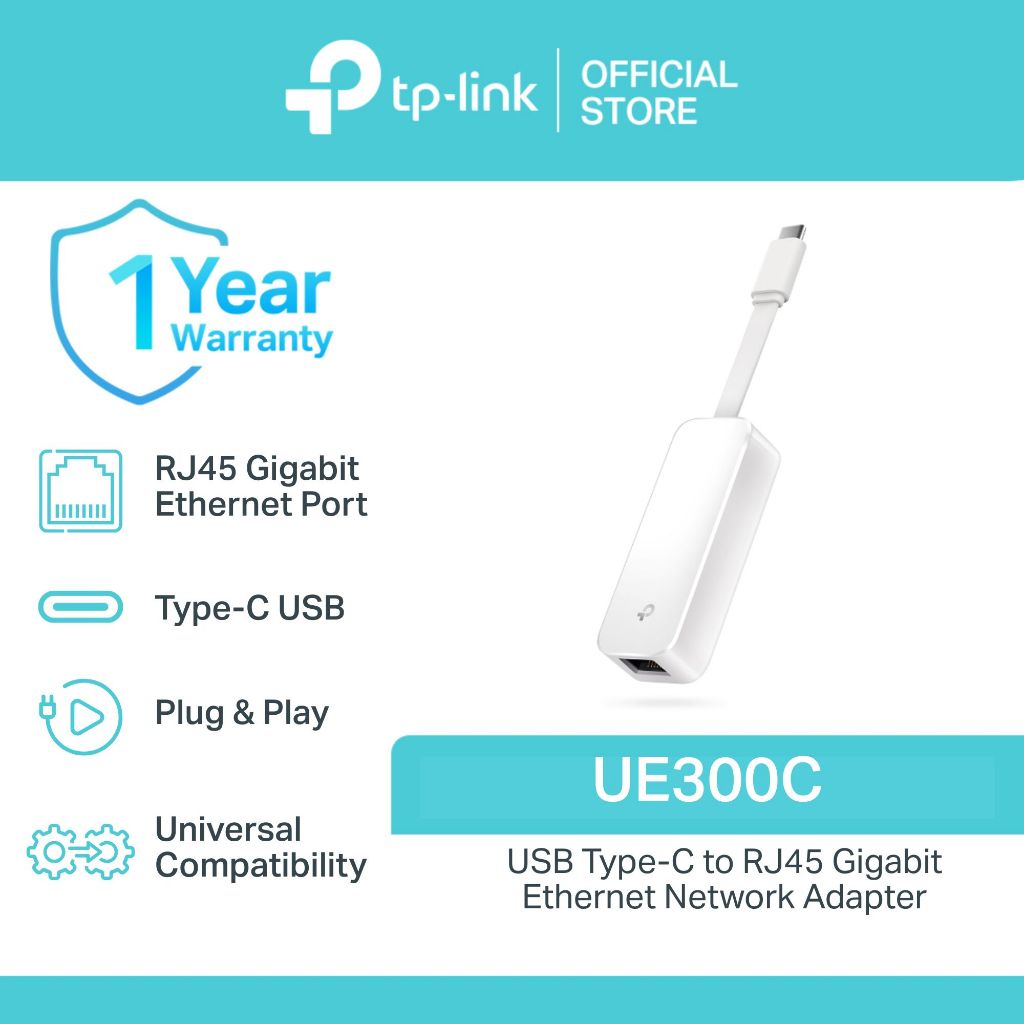
TP-Link UE300C USB-C Gigabit Ethernet Adapter
Useful when a laptop lacks Ethernet and you want a wired interface for network troubleshooting or lab exercises.
View on Amazon
StarTech SATA-to-USB adapter cable
Useful for attaching a spare 2.5-inch SATA SSD as temporary lab, recovery or cloning storage.
View current Amazon listing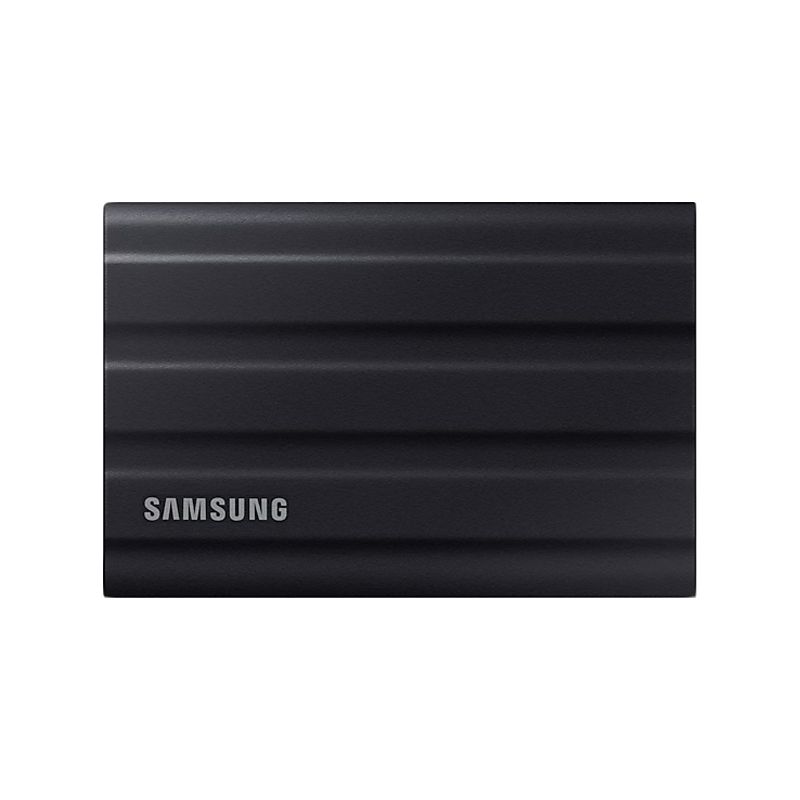
Samsung T7 Shield 1TB Portable SSD
Portable storage for VM images, ISO libraries, snapshots and backups.
View on Amazon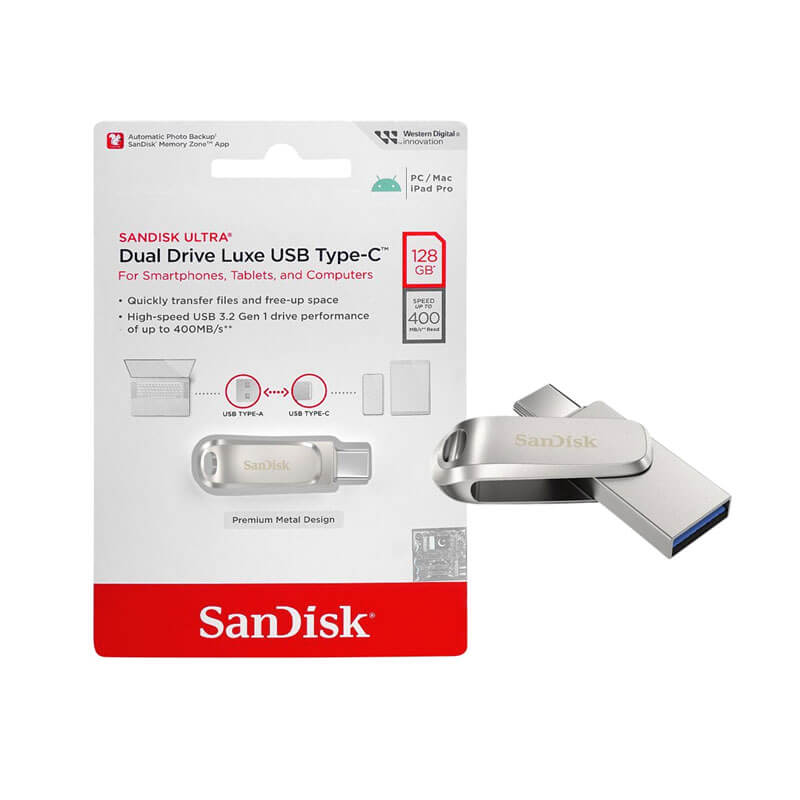
SanDisk Ultra Dual Drive Luxe USB Type-C 128GB
Compact USB-A/USB-C media for installers and rescue tools.
View on Amazon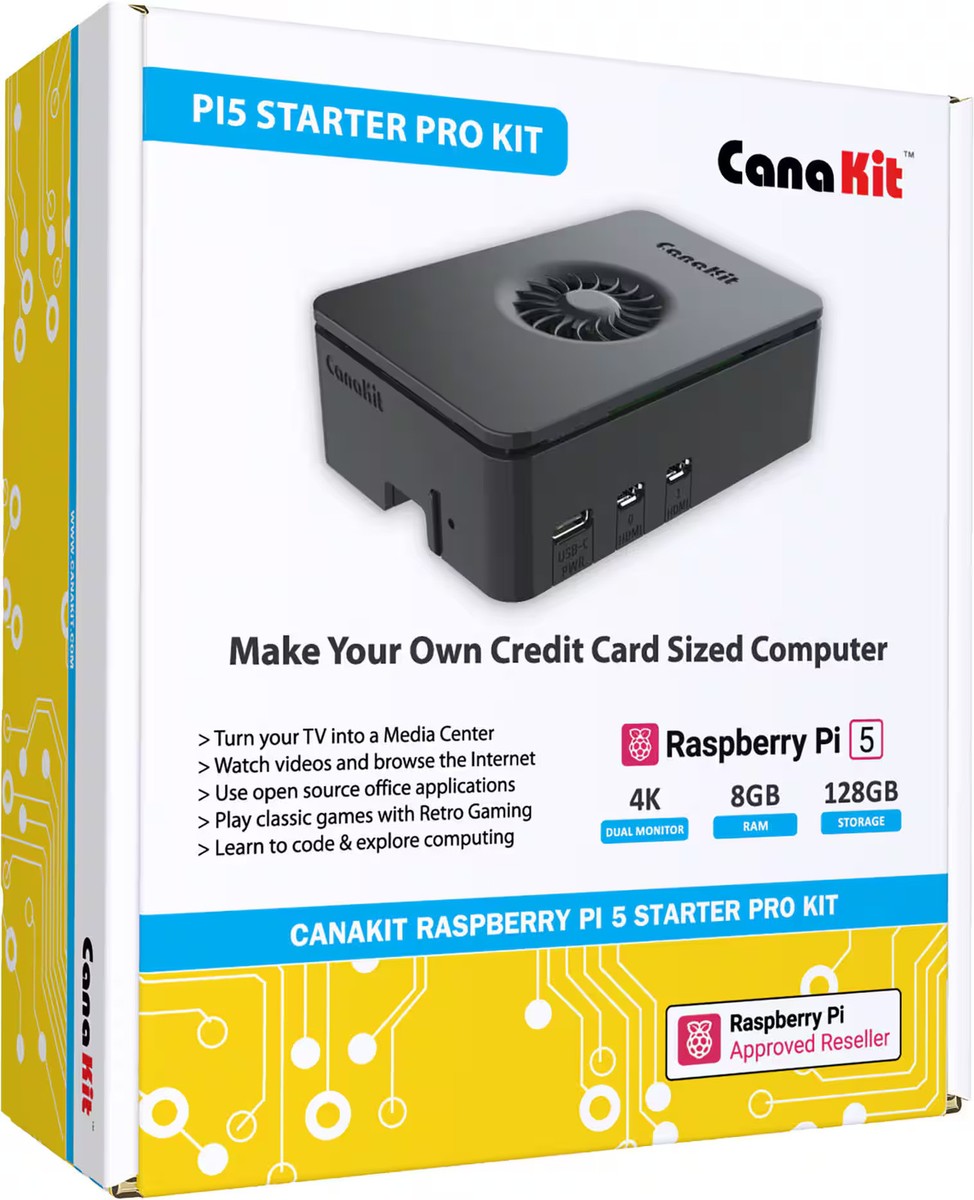
CanaKit Raspberry Pi 5 Starter Kit PRO, 8GB RAM, 128GB Edition
An optional dedicated small-computer route for multi-node or always-on Linux labs when virtual machines are no longer enough.
View on Amazon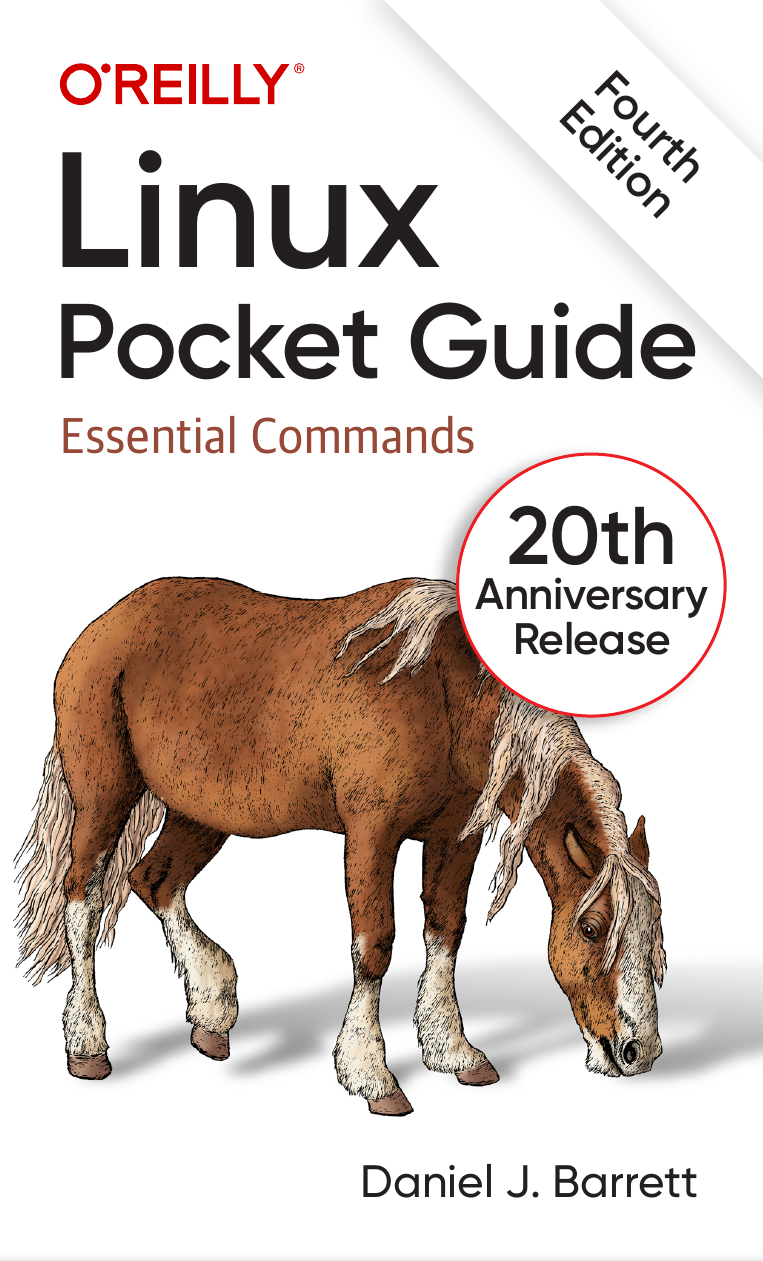
Linux Pocket Guide, 4th Edition
Daniel J. Barrett. A compact fourth-edition command reference for quick lookup while practicing administration tasks.
View on AmazonWhat should you verify before buying?
- Connector type matches the computer you actually use
- Linux support is documented when the accessory needs a driver or chipset support
- Capacity is justified by your lab, not by a generic “bigger is better” assumption
- A Raspberry Pi or second machine adds something your VMs cannot already provide
Frequently asked questions
Do Linux certifications require these accessories?
No. They are optional lab aids, not exam requirements.
Which accessory should you buy first?
Only the one that removes your current bottleneck. For many candidates that is external storage or a wired Ethernet adapter.
How is Linux compatibility handled?
Use manufacturer or distribution compatibility evidence when a device depends on driver support, and recheck the exact hardware revision before purchase.