How should you use this practice guide?
| Practice area | What to do | How to verify it |
|---|---|---|
| Minimum useful topology | Host computer ├── linux-a (server) └── linux-b (client / second server) └── private virtual network | Confirm the result with an independent command or system-state check. |
| What to practice | Identity and permissions Users, groups, sudo policy, ownership, permissions, ACL awareness and umask. | Confirm the result with an independent command or system-state check. |
| Snapshot discipline | Create a clean baseline. | Confirm the result with an independent command or system-state check. |
Minimum useful topology
Host computer
├── linux-a (server)
└── linux-b (client / second server)
    └── private virtual network
What to practice
Identity and permissions
Users, groups, sudo policy, ownership, permissions, ACL awareness and umask.
Services and logs
systemd units, startup behavior, logs, failure diagnosis and service configuration.
Storage
Partitions, filesystems, mounts, swap, logical storage concepts and recovery from deliberate mistakes.
Networking
Addresses, routes, DNS resolution, ports, SSH and basic firewall/service troubleshooting.
Snapshot discipline
- Create a clean baseline.
- Run a task.
- Verify the result.
- Record what failed and why.
- Restore and repeat without notes.
Safety
Do destructive storage or network exercises inside disposable VMs, not on the machine that holds your working files. Keep a backup outside the lab environment.
Amazon lab hardware worth comparing
You do not need all of these. Choose hardware only when it removes a specific lab limitation.

Samsung T7 Shield 1TB Portable SSD
Portable SSD storage for VM images, ISO libraries, backups and repeatable lab snapshots.
View on Amazon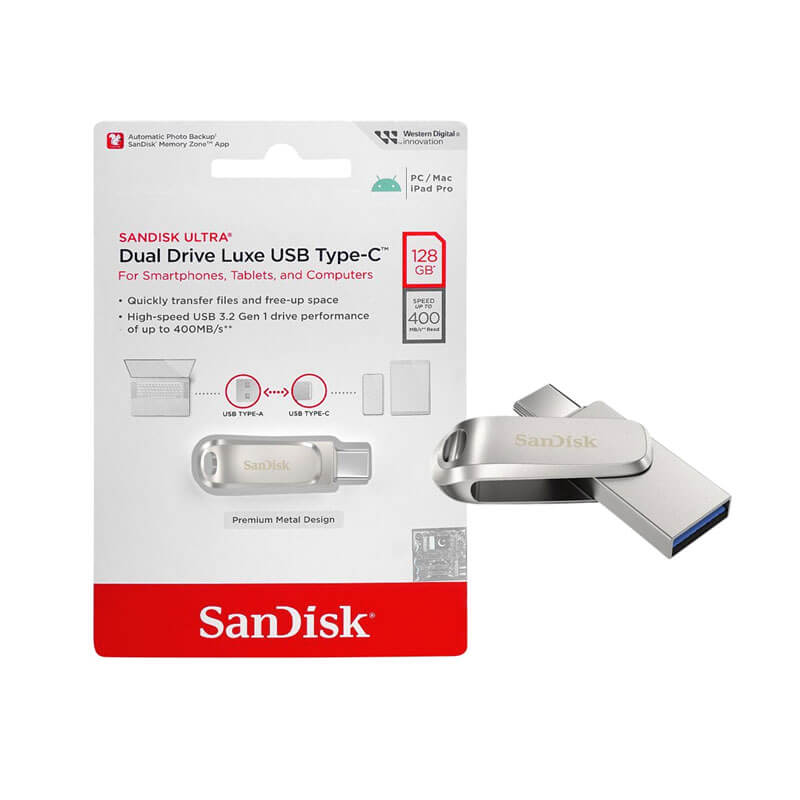
SanDisk Ultra Dual Drive Luxe USB Type-C 128GB
Dual USB-A/USB-C flash media for installer and rescue images.
View on Amazon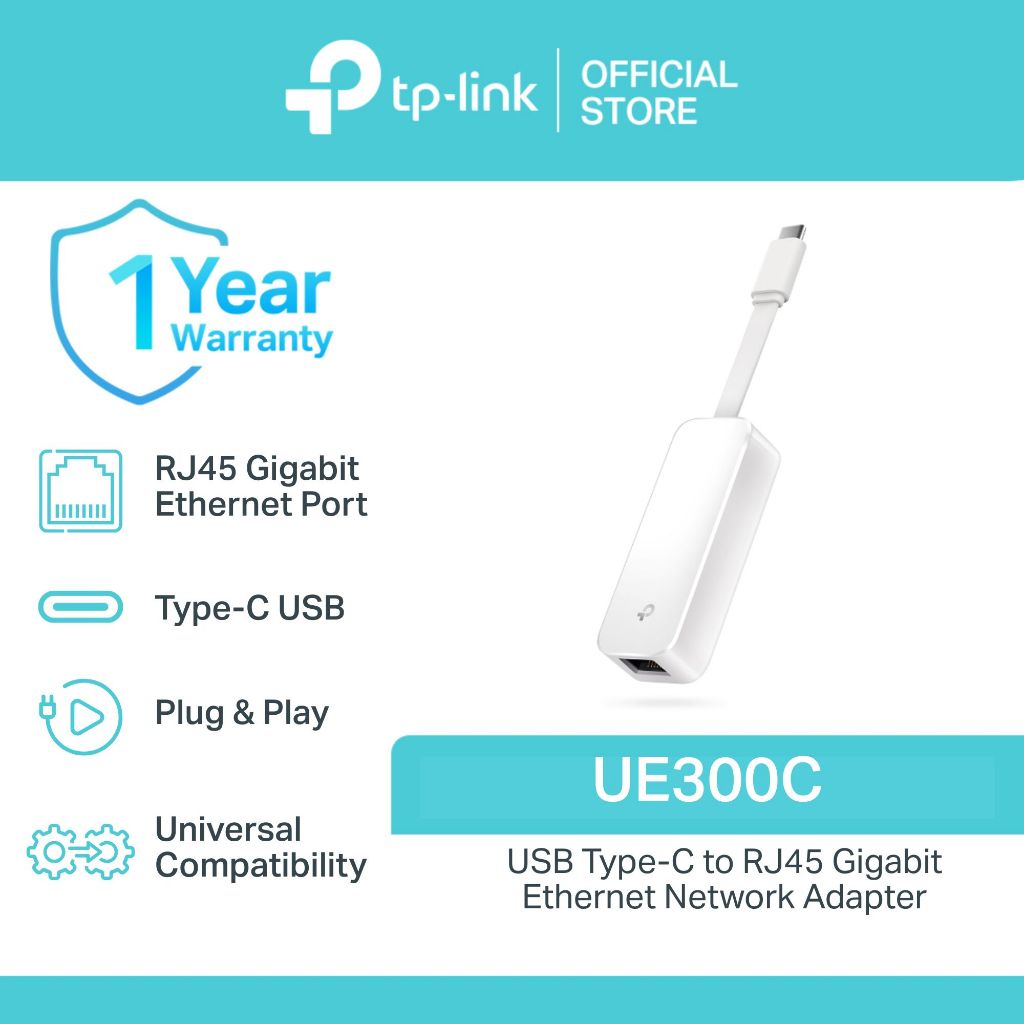
TP-Link UE300C USB-C Gigabit Ethernet Adapter
Wired Ethernet option for network labs when a laptop lacks a reliable Ethernet port.
View on Amazon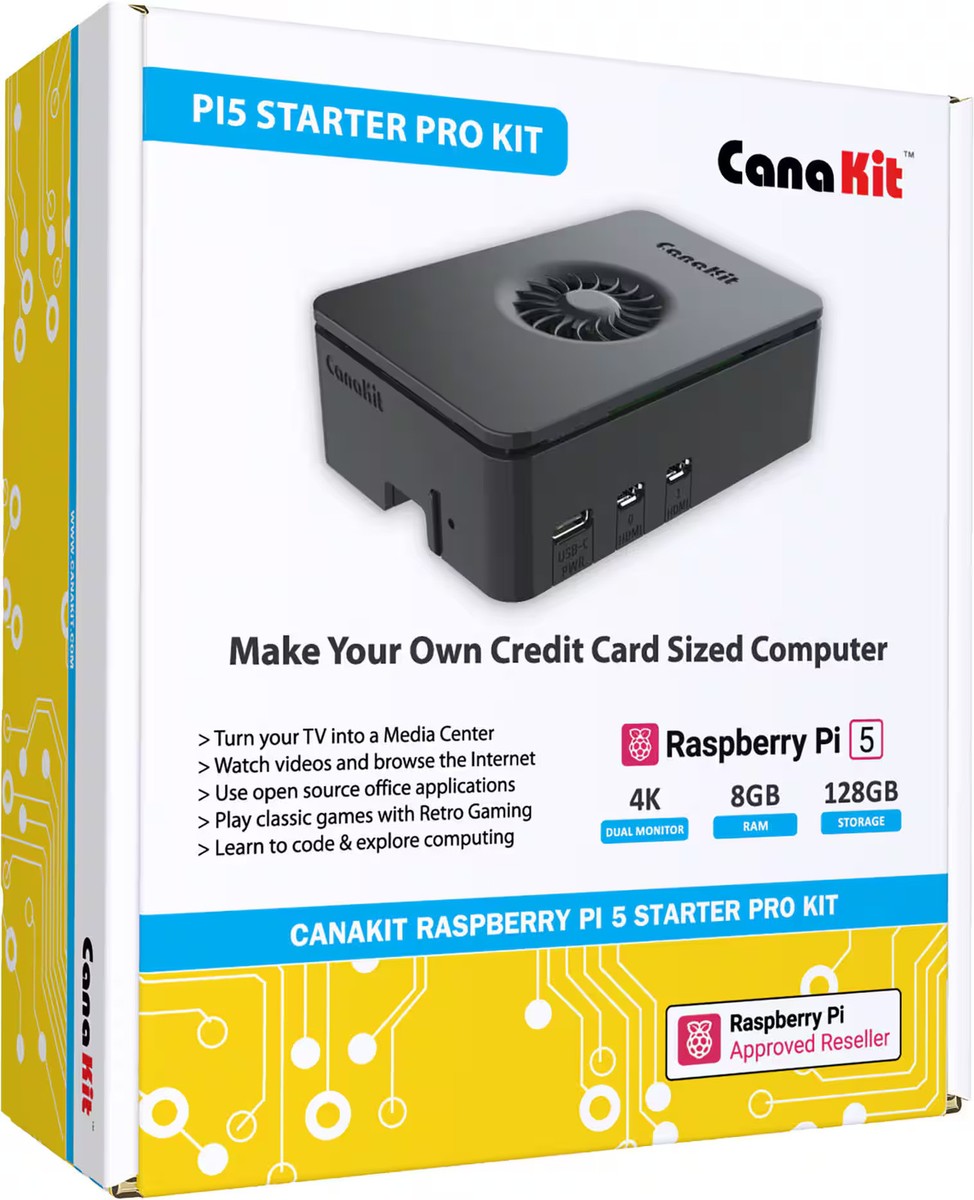
CanaKit Raspberry Pi 5 Starter Kit PRO, 8GB RAM, 128GB Edition
An optional dedicated small-computer route for multi-node or always-on Linux labs when virtual machines are no longer enough.
View on AmazonFrequently asked questions
What should you practice first?
Simple lab: one host computer → virtualization software → two Linux VMs → a private virtual network → snapshots → a task list.
Does this guide replace the official certification objectives?
No. Use this guide as practice support and keep the current issuer objectives or competencies beside your lab notes so your preparation stays aligned with the live exam.
How do you know the practice worked?
Verify the resulting system state with an independent command, log, service check or repeatable test instead of assuming a command succeeded because it returned no error.